

3D printing is one of those technologies that has moved from industrial halls to home desks – and into the makerspace. A headphone stand, a spare plastic pin, an enclosure for electronics, a product prototype: today you can print all of this in one afternoon. This guide explains the basics without jargon and shows a path that does not even require buying a printer.

How 3D printing actually works
The most common technology for beginners is FDM (Fused Deposition Modeling): the printer melts a plastic thread (filament) through a heated nozzle and lays it down in thin layers – typically a tenth of a millimetre each – one on top of another, until the object grows. The other widespread technology is resin printing, with exceptional precision for fine details but more mess and chemistry – for a start, let us stick with FDM.
Three steps from idea to object
- Model (STL file): you get a 3D model from online libraries of ready-made models (millions of them free) or you draw it yourself.
- Slicer: a program that “slices” the model into layers and creates instructions for the printer (G-code). Here you set the layer height, speed, infill and supports.
- Printing: the printer lays down layers for an hour or two; your job is mainly a good first layer and patience.
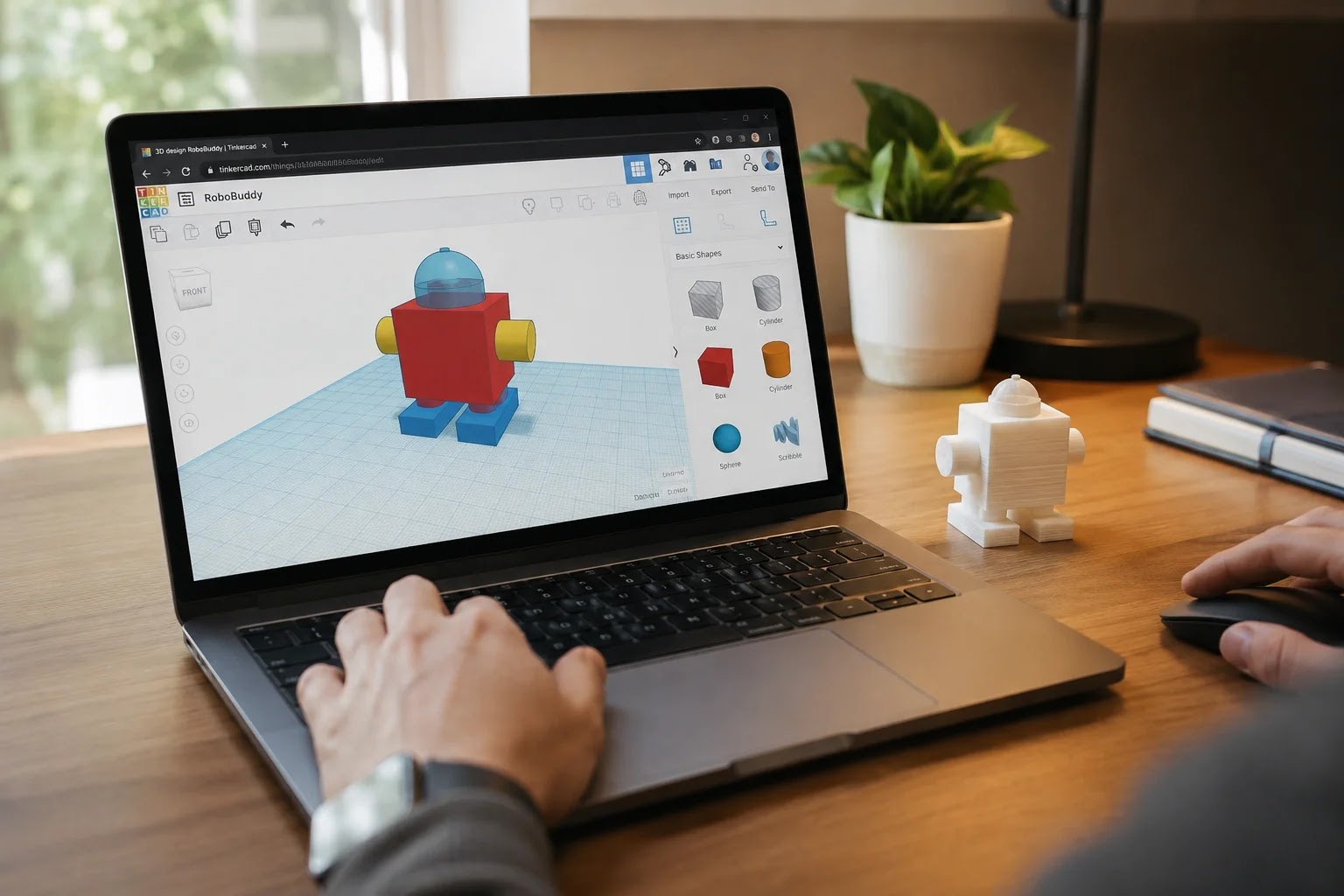
Modelling: easier than you think
For your own models you do not need engineering knowledge: the free online Tinkercad is made for beginners (assembling basic solids, manageable in a single evening), and the next level is parametric tools such as Fusion, where you build the model with dimensions and can fix it at any time. The beginner’s golden rule: let your first project be simple and small – a success in your hand is the best motivation.
Materials: start with PLA
PLA filament is the most beginner-friendly: it prints easily, almost without odour and without special requirements. When you need more strength or temperature resistance (car parts, tools), PETG and other materials come into play – each with its own quirks. For 90% of hobby projects, PLA is entirely enough.

Do you need your own printer?
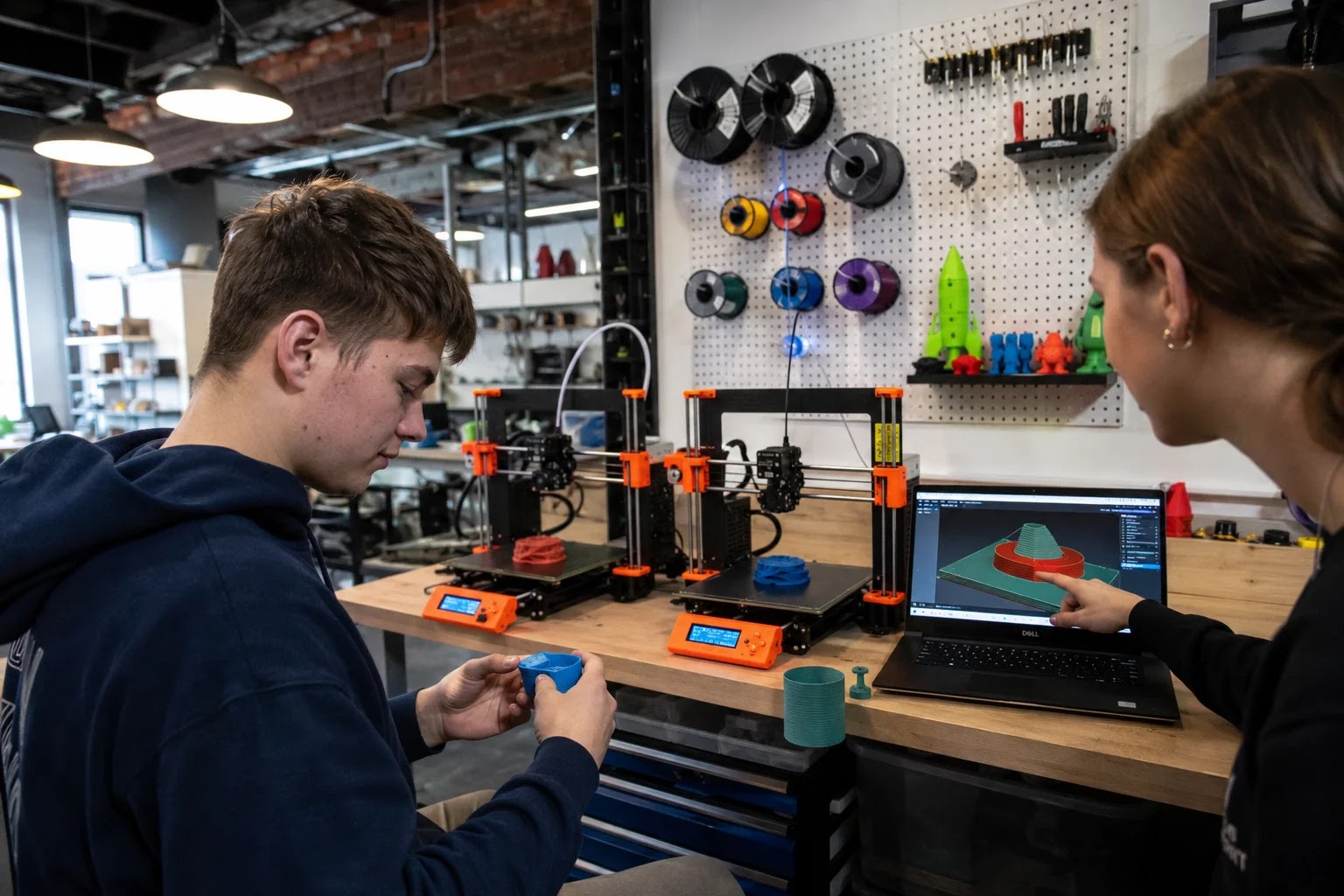
Not right away. Entry-level printers are admittedly affordable, but buying one also means space, maintenance, calibrations and a pile of experiments. A smarter first step is printing on someone else’s equipment: 3D printing services, libraries and above all makerspaces, where alongside the equipment you get something even more valuable – people who have already made all the beginner mistakes and save you from them. What a makerspace even is, we explained in a separate article.
A community where you truly learn 3D printing
That is exactly the idea of the makerSP_CE space: coworking and a maker community under one roof, where over coffee people exchange models, slicer settings and half-finished objects. If you are interested in 3D printing for a hobby, a product prototype or a piece that can no longer be bought, drop by – we announce events and workshops on Instagram @makersp_ce, and the easiest way to visit is a trial day for €20 (packages on the price list).
Frequently asked questions
How much does a 3D-printed object cost?
The material for a typical smaller object costs from a few tens of cents to a few euros – the main “cost” is print time and knowledge. That is exactly why shared equipment in a community is the cheapest route for a beginner.
Is 3D printing hard?
You can master the basics in one afternoon: you download a tested model, use the slicer’s default settings for PLA and print. The difficulty only grows with ambition – precise mechanical parts and special materials require experience.
What useful things can I even print?
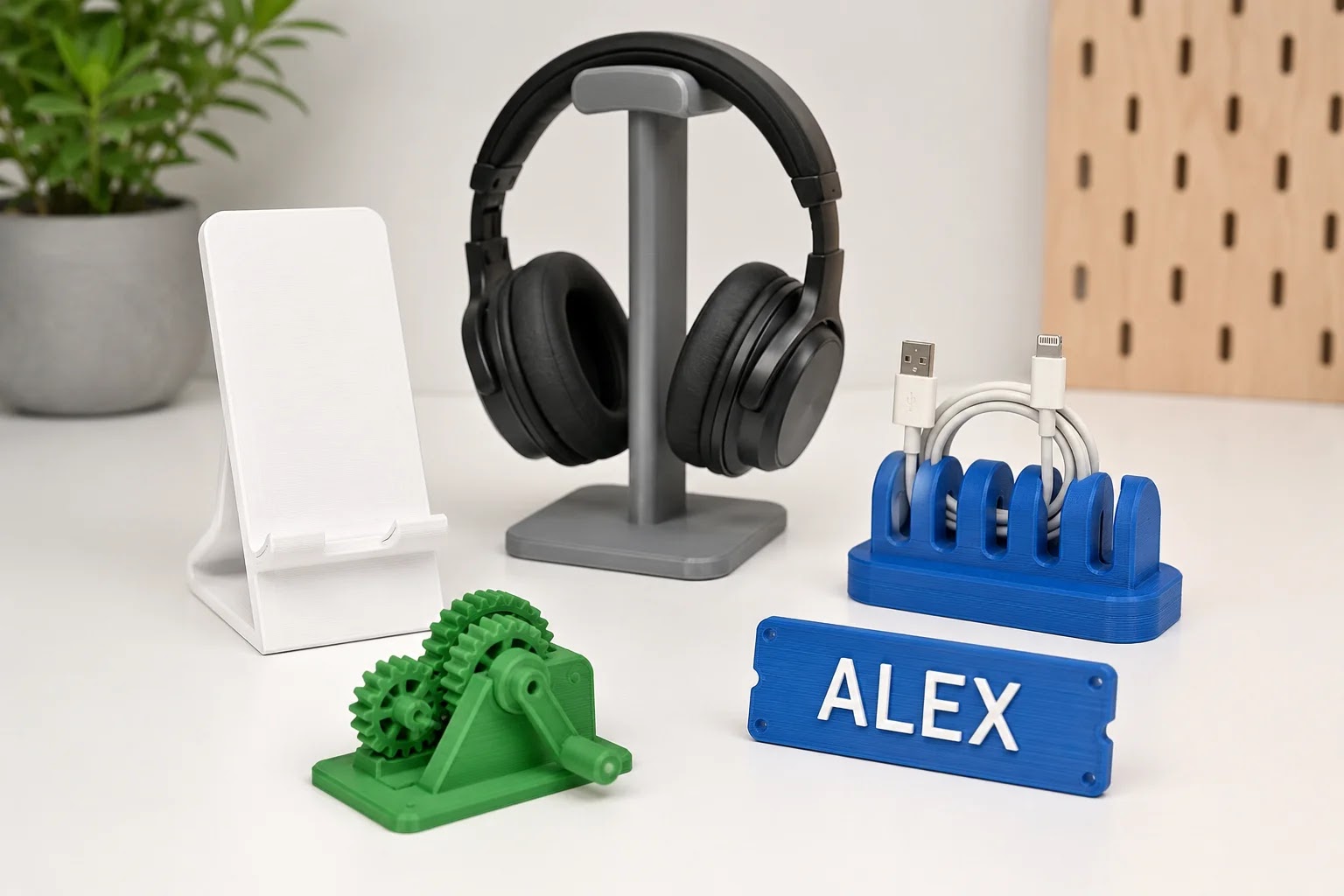
Brackets, adapters, enclosures, organisers, spare parts, product prototypes, gifts and a model of anything. The best first project: an item you have been missing at home for a month, but which is not available in shops.
Conclusion
3D printing is accessible to everyone today: a model from a library or Tinkercad, PLA filament, default settings – and your first object is yours. Do not buy a printer just in case; start in a community where the equipment and knowledge are already waiting, and buy only once you know what you are really printing.
Related reading
Reserve your spot at makerSP_CE
Coworking makerSP_CE, Pivovarniška ulica 6, Ljubljana (next to Tivoli Park). Fixed price, no notice period, 24/7 access and free parking.
Web: makerspace.si | E-mail: rezervacije@makerspace.si | Phone: +386 30 393 405