

Posts about the „perfect home office“ compete over who can pile more RGB-lit gadgets onto a desk. The truth is more boring and cheaper: remote work is improved by five things – a screen at eye level, a chair that survives eight hours, quiet on calls, lighting and a reliable internet connection. Everything else is decoration. Let us go through them in a logical order of purchase.
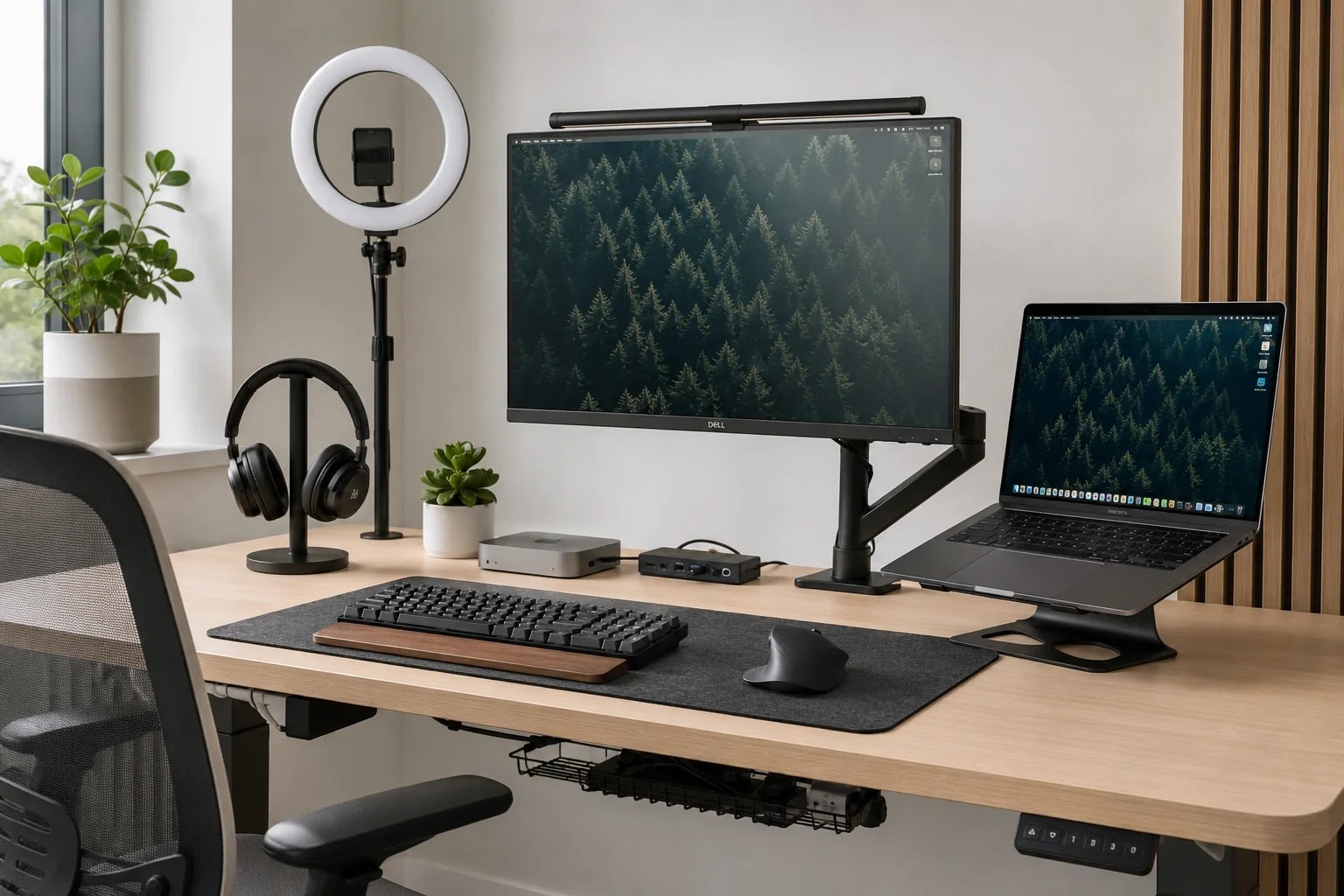
1. An external monitor: the most impact per euro
Working hunched over a laptop is a recipe for neck pain and slower work. One solid external monitor (24–27 inches) with its top edge in line with your eyes is the purchase with the best price-to-effect ratio. Two monitors are a luxury, not a necessity – most people benefit more from one good screen and tidy windows.
2. A chair before a desk, function before looks
Eight hours on a kitchen chair is billed to your body with interest. An office chair with adjustable height and lumbar support matters more than any desk; a quality second-hand chair beats a cheap new one. If your budget is tight: chair first, then monitor, and the desk can for a while be any flat surface at the right height. Read more about correct body positioning in the guide on workplace ergonomics.

3. A headset with a microphone: your sound is your image
On video calls, people judge you by your sound more than your picture. A headset with a good microphone removes echo and household noise; active noise cancellation (ANC) is also valuable for focus. You do not need the top tier – even the mid-range is light years ahead of a laptop microphone. How to get the most out of them is explained in the article on professional video calls.
4. Lighting: face the window, not your back to it
The cheapest upgrade to your appearance on calls is correct placement: face towards the window or a lamp, never with light behind your back. For the winter months, a simple desk lamp with neutral white light is worth it – it improves both your video and your alertness.

5. Internet: speed matters less than stability
For video calls you do not need record speeds but a stable connection – a wired (ethernet) link is always more reliable than Wi-Fi. Check the upload speed in particular and keep a backup: a mobile hotspot saves the day when your provider picks exactly your most important meeting.
What you can safely skip
- A standing desk as a first purchase – first a chair and the habit of standing up, the desk later.
- A professional studio microphone and camera – until you record content, a headset and daylight are enough.
- A second monitor, a tablet „on the side“ and RGB lighting – nice, but with no measurable effect on work.

An alternative: an equipped spot instead of purchases
A quick calculation: a monitor, chair, headset and lamp quickly add up to a few hundred euros – and at home you still have no quiet room for calls. A membership at makerSP_CE (from €135 incl. VAT per month per the price list) includes an equipped workstation, fast internet, a printer, a call room for calls and a meeting room for meetings – with no investment, 24/7 access, and the membership is a tax-deductible expense for a sole proprietor. If you are deciding where to work at all, the comparison of working from home and coworking will help. For many, the best „remote work equipment“ is simply a space that is already equipped.
Frequently asked questions
What should I buy first if I have €200?
A quality second-hand office chair or a basic external monitor – depending on what hurts more right now: your back or your neck. A headset with a decent microphone is the third step.
Is work equipment a tax-deductible expense?
For a sole proprietor with actual expenses, equipment used for the business is generally a recognised expense (proportionally for mixed use). Flat-rate sole proprietors do not book expenses. Check specific cases with your accountant.
Laptop or desktop computer?
For most, a laptop with an external monitor, keyboard and mouse is the best of both: mobility and ergonomics. A desktop is mainly worth it for demanding graphics work or large projects.
Conclusion
A good remote workstation consists of five things: a monitor at eye level, a chair for eight hours, a headset with a microphone, light on your face and a stable internet connection. Buy in that order, skip the decorations – or skip the purchases and sit down at a desk that is already prepared.
Related reading
Book your spot at makerSP_CE
Coworking makerSP_CE, Pivovarniška ulica 6, Ljubljana (next to Tivoli Park). Fixed price, no notice period, 24/7 access and free parking. Web: makerspace.si | Email: rezervacije@makerspace.si | Phone: +386 30 393 405.