

Video calls have become a standard part of doing business – with clients, partners and teams around the world. And it is on these calls that, in the first few seconds, an impression of your professionalism is formed. The good news: you do not need a studio for a top-notch impression, just a few correct settings and a suitable space.
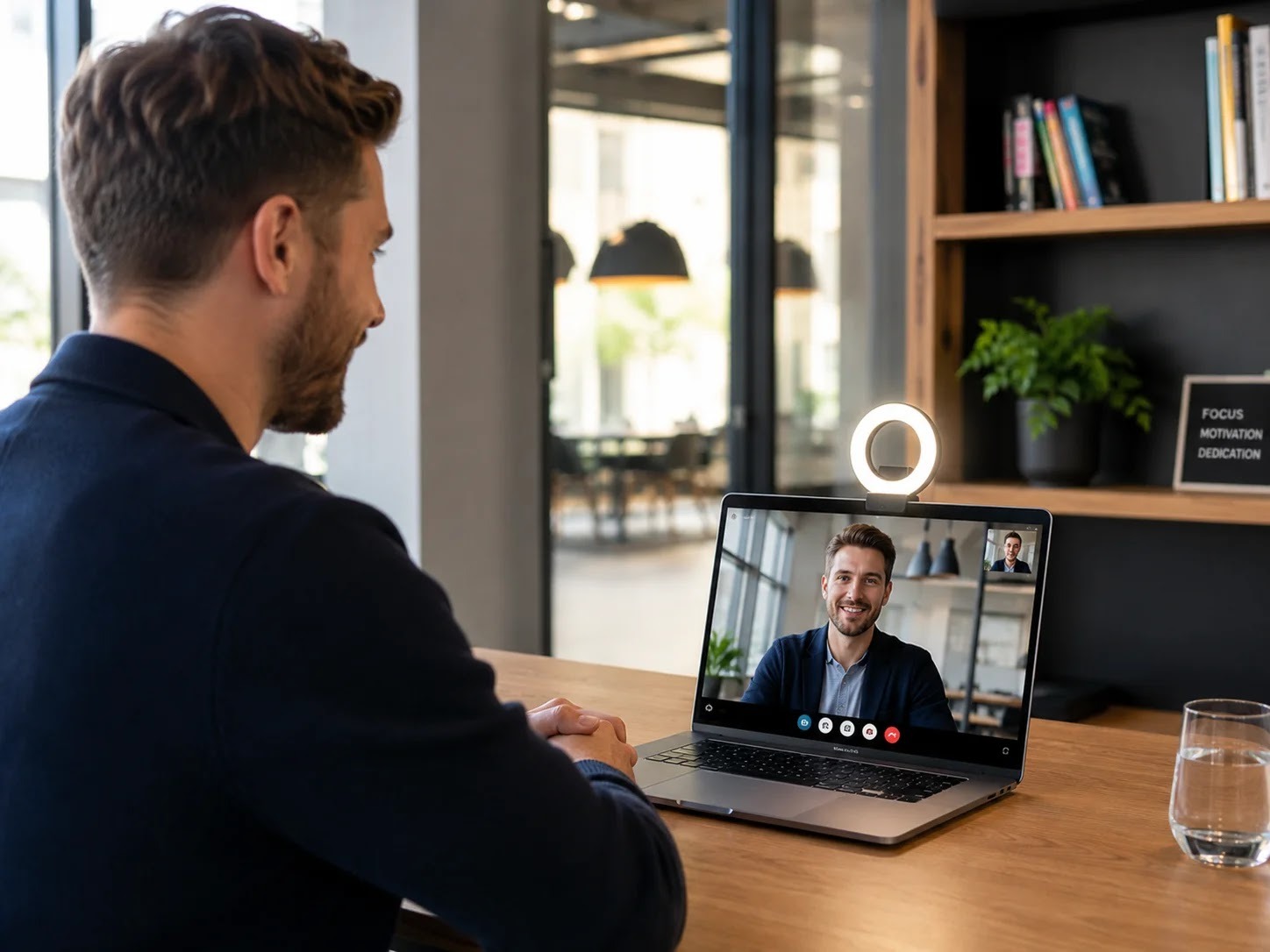
Equipment: what you really need
Sound matters more than picture
Bad sound tires your interlocutors within a minute, a bad picture only after half an hour. Use headphones with a microphone (even ordinary phone earbuds are better than a laptop microphone) and switch off all sources of noise in the room.
Camera at eye level
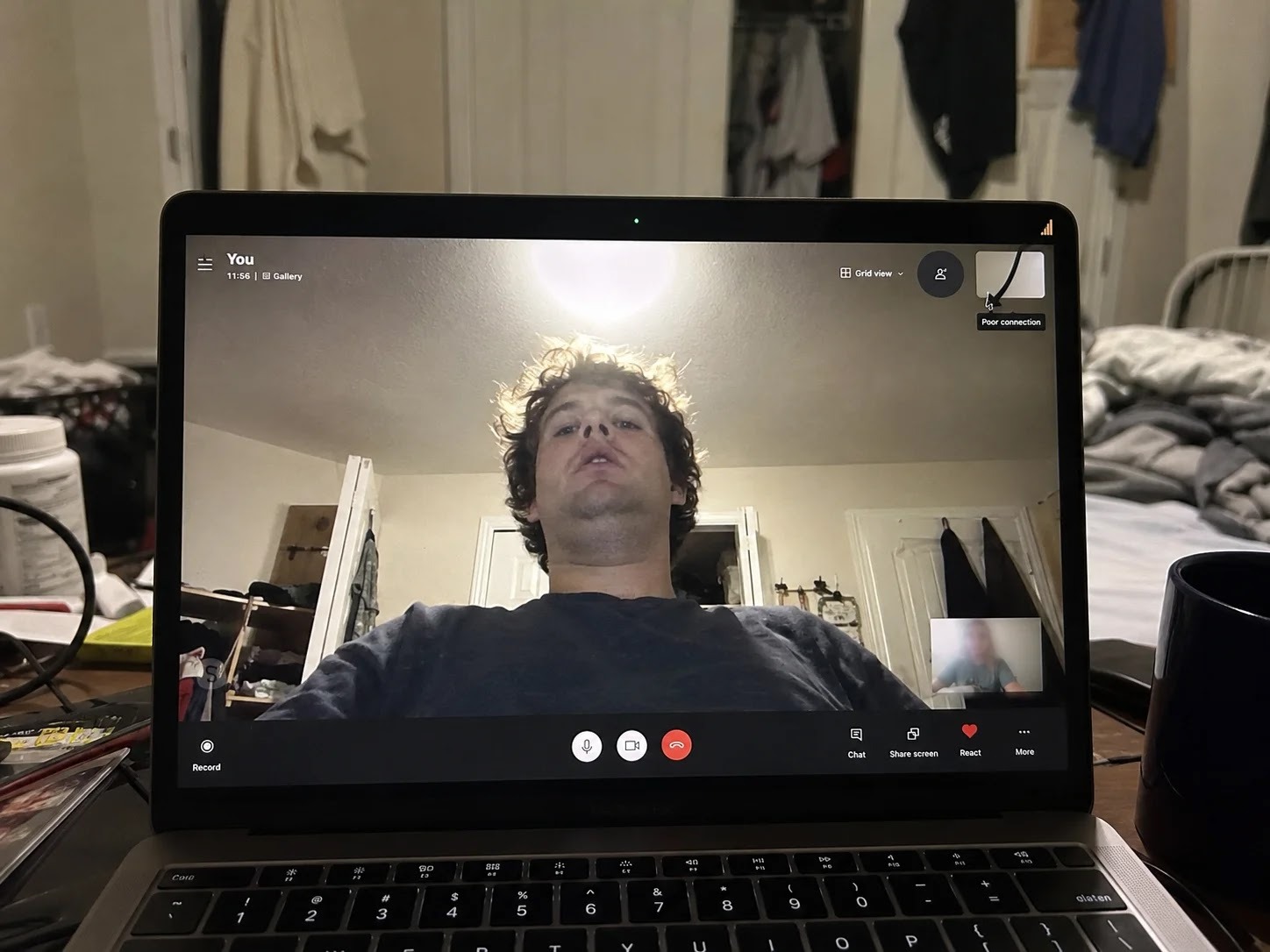
Raise your laptop on a stand or a stack of books so the camera is not looking up at your chin. Look at the camera (not at your own image) when you speak – this is digital eye contact.
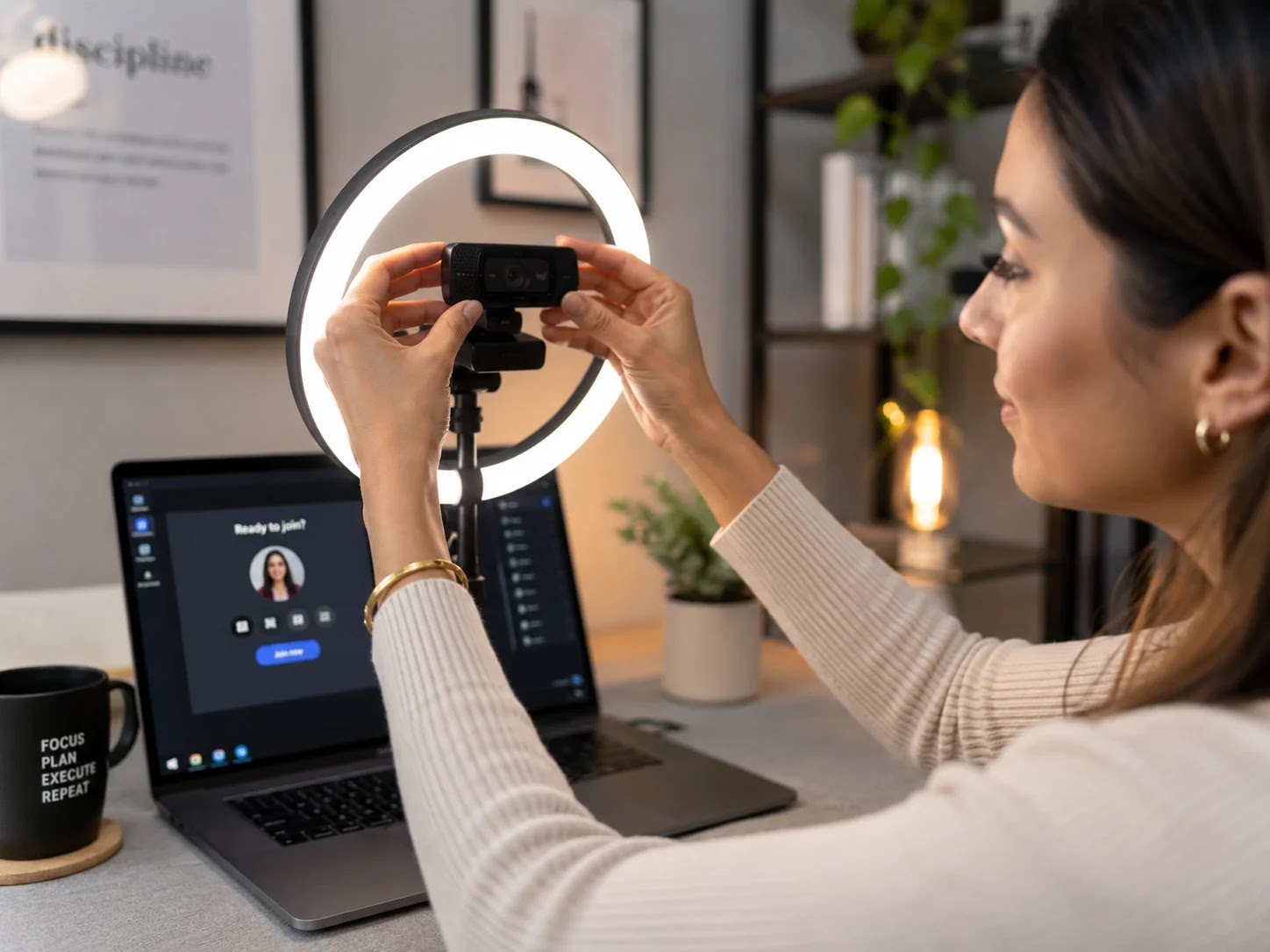
Light from the front, not from behind
The biggest mistake: a window behind your back that turns you into a black silhouette. Face the window or place a light behind the screen. One soft light from the front does more than an expensive camera.
Background: tidy, calm, no surprises
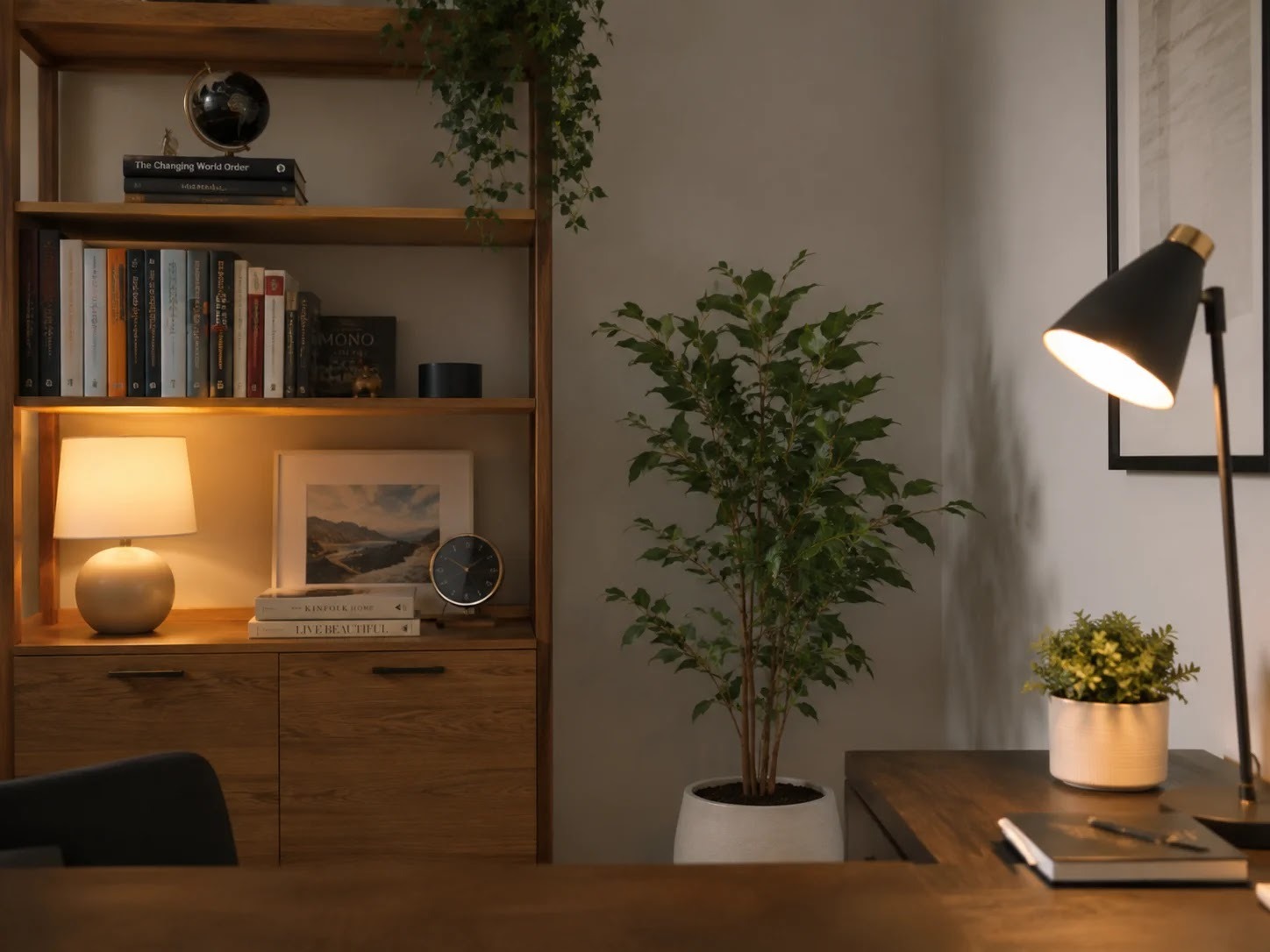
A neutral wall, a bookshelf or a tidy office space. Virtual backgrounds look makeshift – the edges flicker, the impression is cheap. A better solution is a genuinely tidy space, such as a call room like the ones members use at makerSP_CE.
Video meeting etiquette
- Arrive 2 minutes early and check your sound and camera.
- Microphone on mute when you are not speaking – especially in an open space.
- Camera on, unless the team agrees otherwise; talking to black squares kills the energy.
- Do not type loudly while others are speaking – the microphone amplifies it.
- One person speaks, the others listen: use the raise-hand function in larger meetings.
- Finish on time: video meetings are more tiring than in-person ones, respect the schedule.
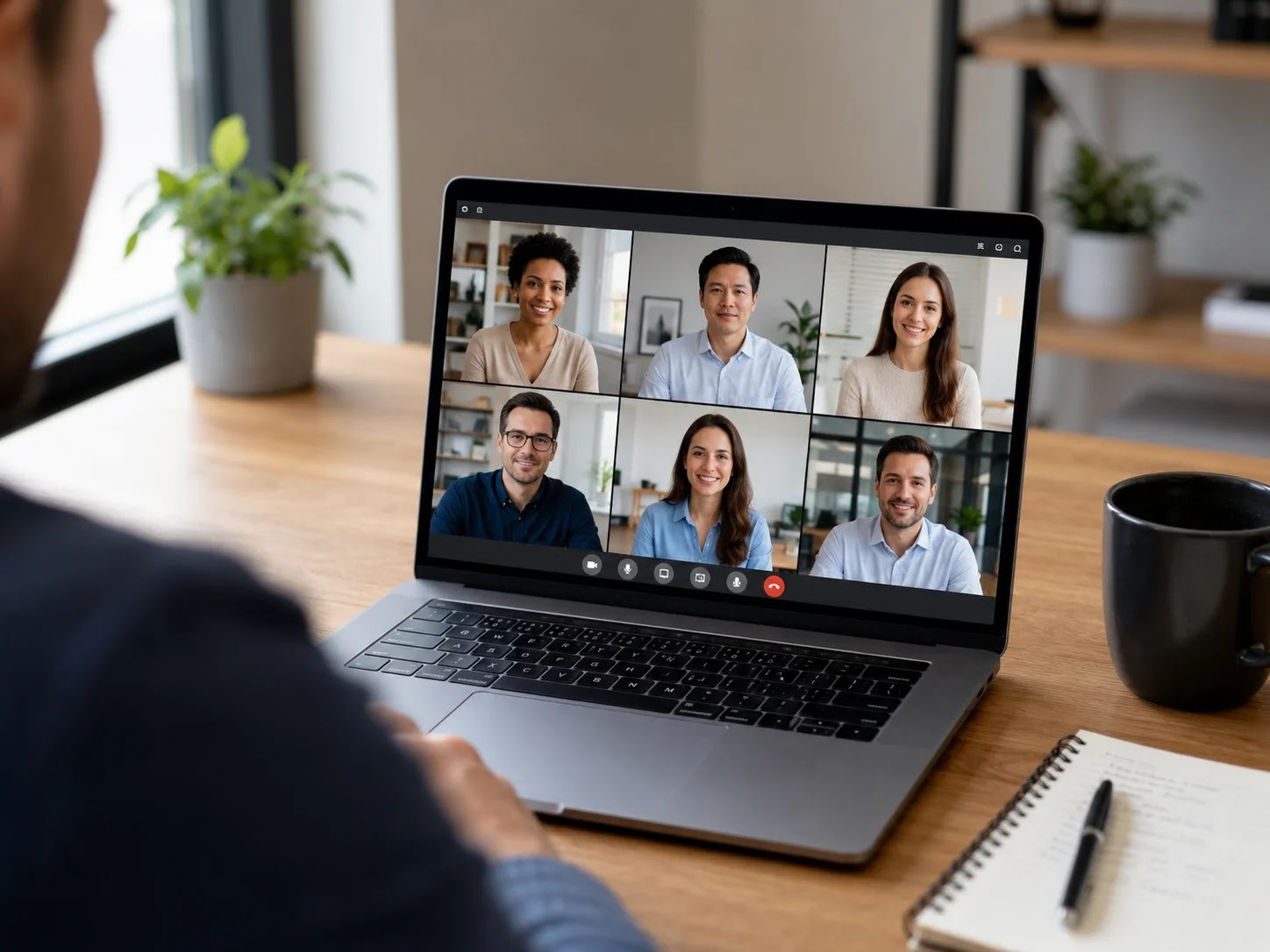
The space: why a kitchen at home is not enough
A neighbour's vacuum cleaner, the doorbell, family in the background – at home you have no control over the environment. In a café it is even worse. That is why the gold standard for important calls is a soundproofed call room: quiet, a tidy background, a stable internet connection. At makerSP_CE the call room is included in the membership price, and for longer presentations you can book a meeting room with a screen.

Frequently asked questions
Do I need an external webcam?
Not necessarily. Newer laptops have good enough cameras – lighting and camera height make the bigger difference. An external camera is a sensible upgrade if you present a lot.
How do I prevent internet drops during a call?
A cable instead of Wi-Fi where possible; otherwise sit near the router and switch off background downloads during the call. In a coworking space a symmetrical fibre connection is usually part of the offer.
What should I wear for a video call?
The same as for an in-person meeting with the same person. Solid colours work better than fine patterns, which flicker on camera.
Conclusion
A professional video call = good sound + camera at eye level + light from the front + a quiet space + basic etiquette. Set up the first four points once, and the fifth becomes a habit. If you need a reliable space for calls, a call room is waiting for you at Pivovarniška 6.
Book your spot at makerSP_CE
Coworking makerSP_CE, Pivovarniška ulica 6, Ljubljana (next to Tivoli Park). Flat price, no notice period, 24/7 access and free parking.
Web: makerspace.si | Email: rezervacije@makerspace.si | Phone: +386 30 393 405
Related reading
- What you get in coworking makerSP_CE
- Renting an office and meeting room in Ljubljana
- What is a coworking space?